
Password Manager: Secure Vault & Generator
Whatsticker Apps S.R.L.
Keep all your passwords in one encrypted vault on your Windows 10 or 11 PC


EVERYONE
Screenshots
Description
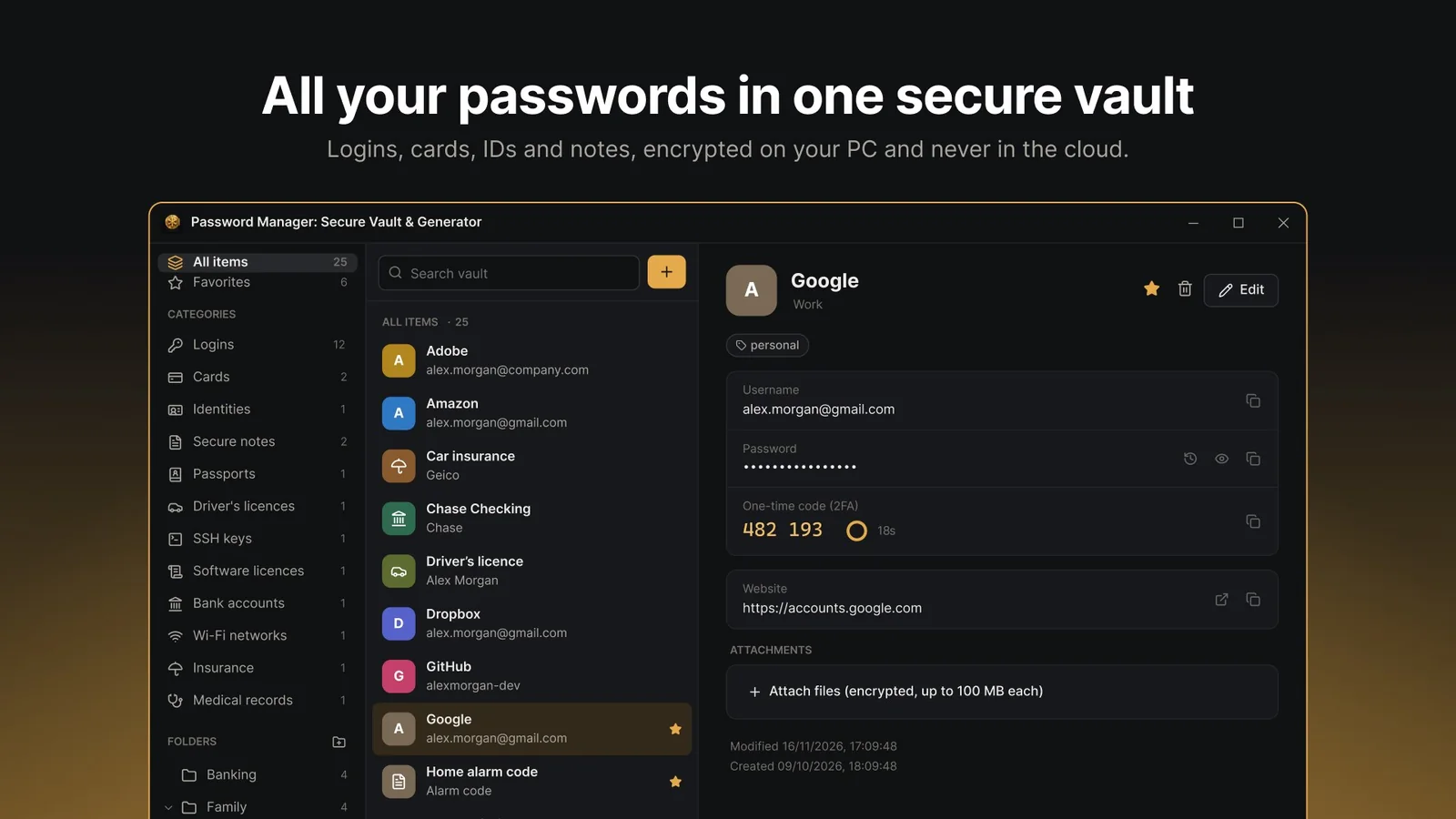
Too many logins and too many passwords to remember? Password Manager: Secure Vault & Generator keeps them all in one encrypted vault on your Windows PC, so you only need to remember one master password.
It isn't a browser add-on or a cloud account: it's a password manager, password safe and authenticator app in one, with your data encrypted on your computer.
Create your vault, save your logins, copy what you need in a click.
- One master password opens an encrypted vault stored on your PC, with no account required.
- Unlock with Windows Hello using your face, fingerprint or PIN.
- Built-in authenticator: add a two-factor secret by scanning its QR code and see the one-time code next to the password.
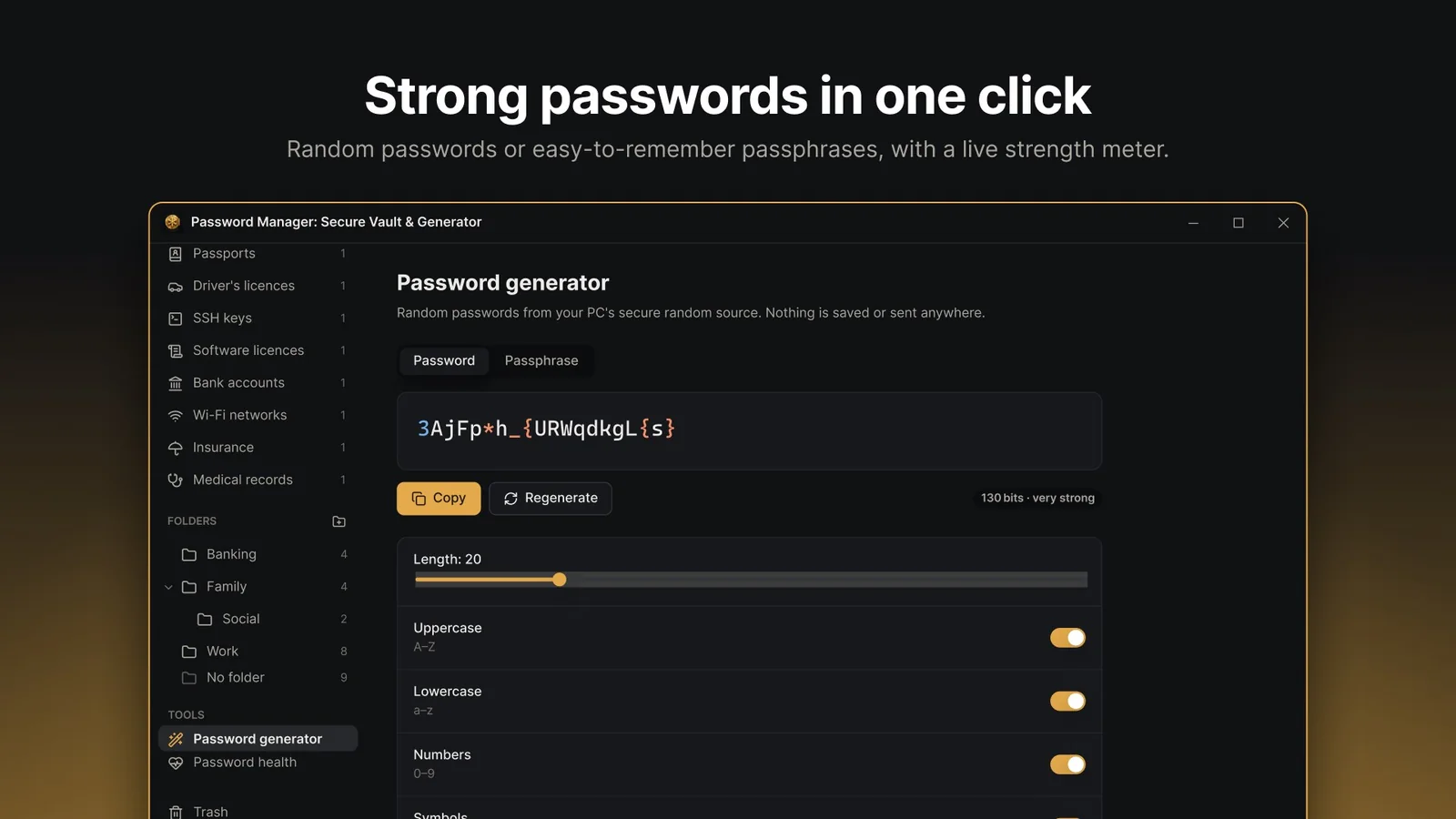
- Password generator with adjustable length, symbols and an option to avoid look-alike characters.
- Passphrase generator for long passwords made of random words that are easy to type.
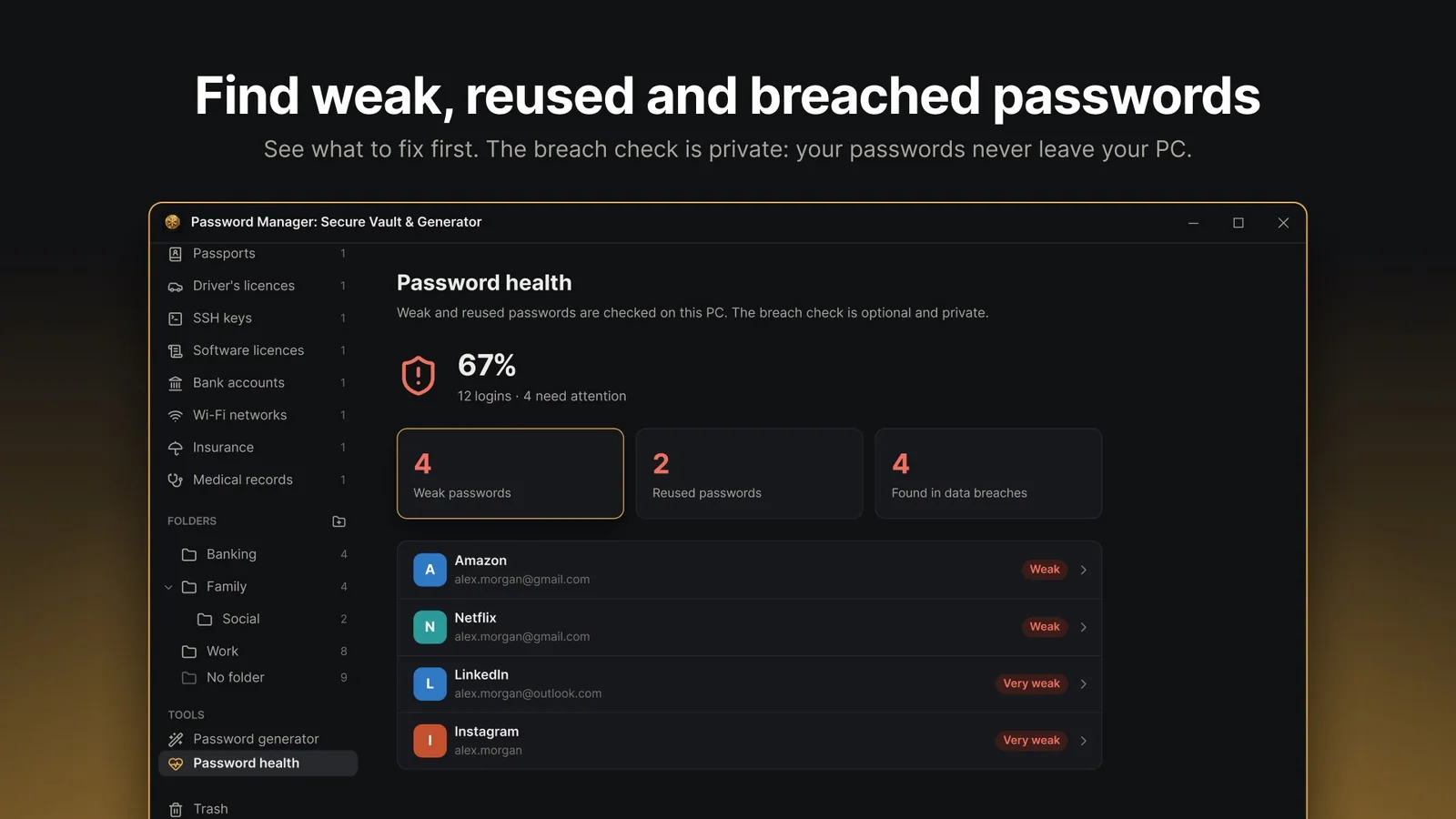
- Password health: a security score that finds weak and reused passwords.
- Optional breach check warns you if a password appeared in a known data leak, without sending your passwords.
- 12 item types: logins, payment cards, identities, secure notes, passports, licences, SSH keys, bank accounts and more.
- Attach encrypted files up to 100 MB to any item, like scans of your documents.
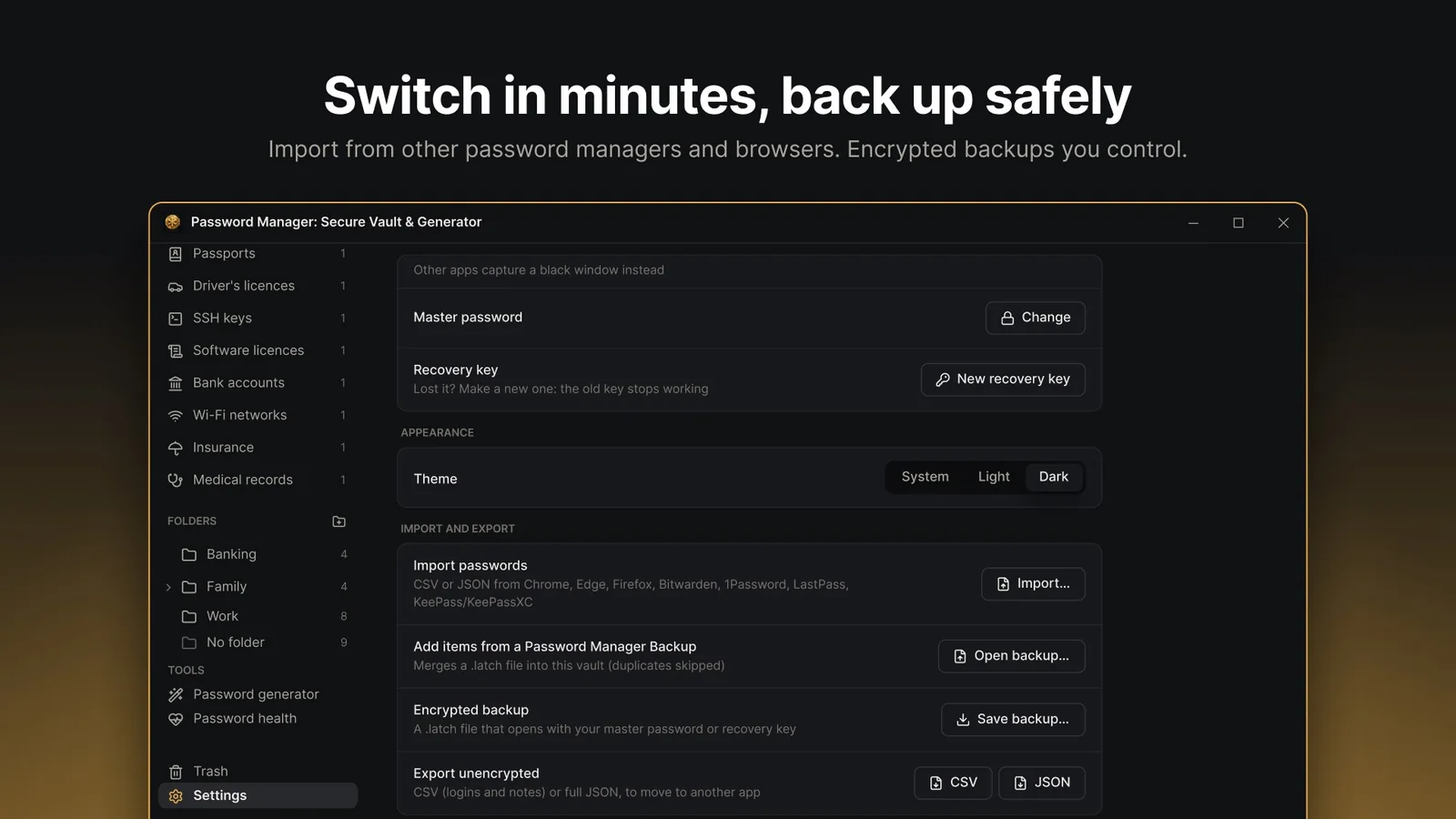
- Import passwords from browsers and other password managers with CSV or JSON files.
- Encrypted backups, restore, and a recovery key to get back in if you forget the master password.
- Auto-lock, lock on sleep or Windows lock, and clipboard auto-clear after a set time.
System requirements
- OS
- Windows 10 version 17763.0 or higher, Windows 11
- Architecture
- x64
- Download size
- About 144 MB
- Installation
- Sign in with your Microsoft account and install on up to ten Windows devices.
- Languages
- English, French, German, Italian, Spanish, Portuguese, Dutch, Polish, Russian, Arabic, Chinese, Japanese, Korean, Indonesian
Additional information
- Published by
- Whatsticker Apps S.R.L.
- Category
- Security
- Age rating
- ESRB Everyone
- Price
- Free to download.
- What you download
- A small installer made by Microsoft. It installs Password Manager from the Microsoft Store and opens it when ready.
- Uninstall
- Settings › Apps › Installed apps › Password Manager › Uninstall
- Privacy and terms
- Privacy policy · Terms & Conditions · Microsoft Standard Application License Terms
- Contact
- [email protected]